Summary
Most scheduling-software lists are written by aggregators who've never sat in an agency. Here's how to actually evaluate the options, what the incumbents and the AI newcomers each get right, and the questions to ask before you buy anything.
Search "best home health scheduling software" and you'll get list after list assembled by review aggregators that have never sat in an agency office at 7am. So here's an honest version, with a disclosure up front: we build one of the tools in this category. Judge our bias accordingly. What follows is the evaluation framework we'd use even if we didn't.
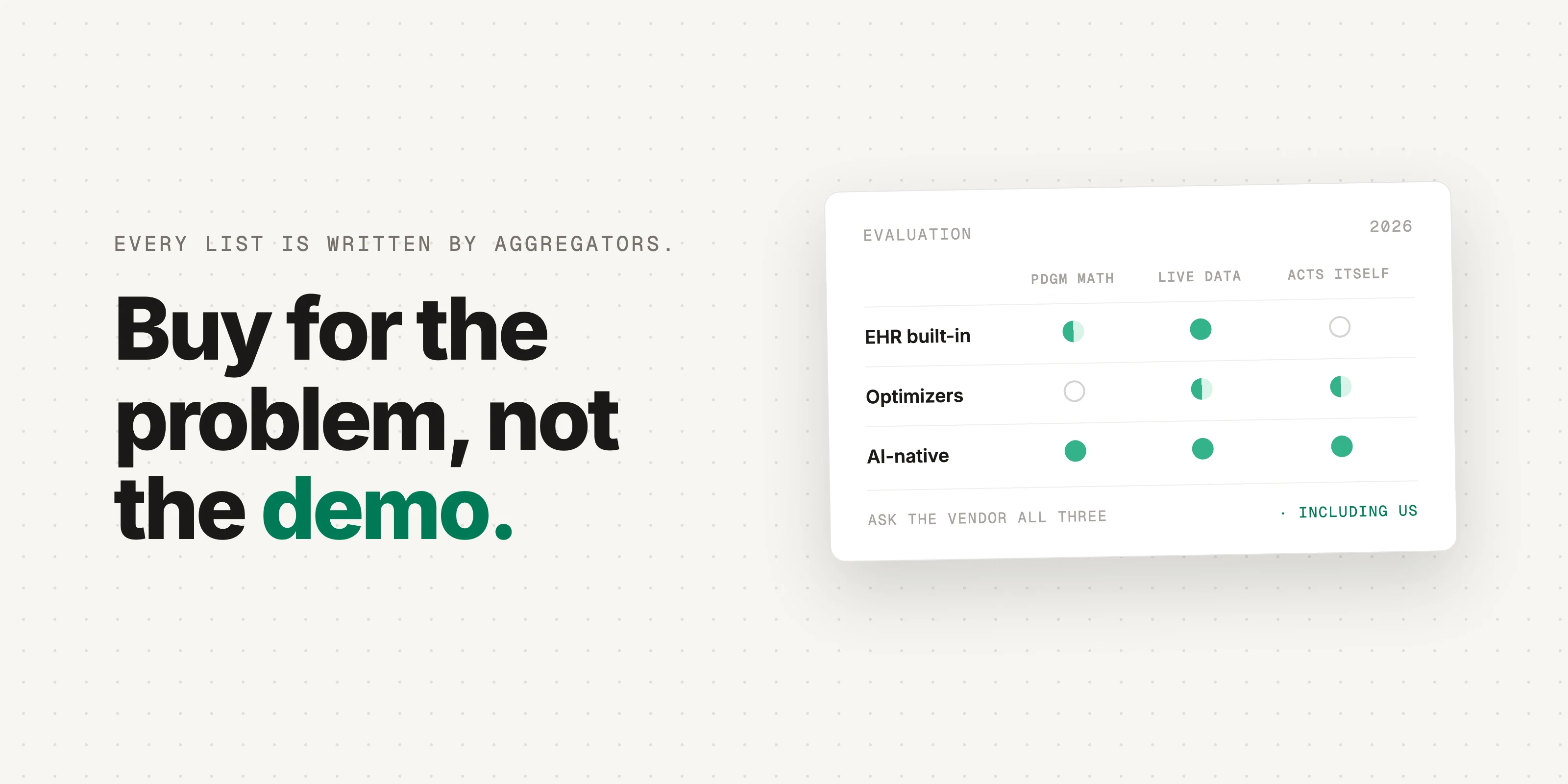
The honest answer to "what's the best" is: it depends which problem is killing you. Scheduling software in this industry is really three different products wearing one name, and buying the wrong one is how agencies end up with expensive tools nobody opens.
First, name the problem you're actually buying for
- Coverage: shifts go unfilled, caregivers call off, and someone spends every morning on the phone. Your problem is outreach and matching.
- Money and compliance: in home health under PDGM, the schedule quietly decides what you get paid. A period one visit short of its LUPA threshold, a recert window closing with nothing booked, a frequency order running behind. Your problem is risk detection, not phone calls.
- Logistics: drive time, territories, route density. Real, but mostly a solved problem, and rarely the reason margins hurt.
Most agencies feel all three, but one of them is the one costing real money this quarter. Buy for that one.
What separates good home health scheduling software?
Four questions, and the rest of the demo is decoration: does it ride alongside the EHR you already run, does it understand the money, will caregivers actually touch it, and what does it do on a day when nothing is wrong.
- Does it work with the EHR you already run, or replace it? A rip-and-replace migration is a year of pain; some vendors require it, some ride alongside. Know which you're signing up for before the demo charms you.
- Does it understand the money? Ask the vendor to show you, on screen, how it flags a LUPA-threshold risk or an open recert window. If the answer is a drive-time map, it's a logistics tool.
- Will caregivers actually use it? Any tool that requires field staff to adopt a new app is fighting a workforce with 65% annual turnover in home care (industry benchmarking). Tools that work over text and voice have a structural adoption advantage.
- What happens when nothing is wrong? Alert fatigue kills these tools. A good system surfaces a short, ranked list of what needs action today, not a dashboard of everything.
Is your EHR's built-in scheduler good enough?
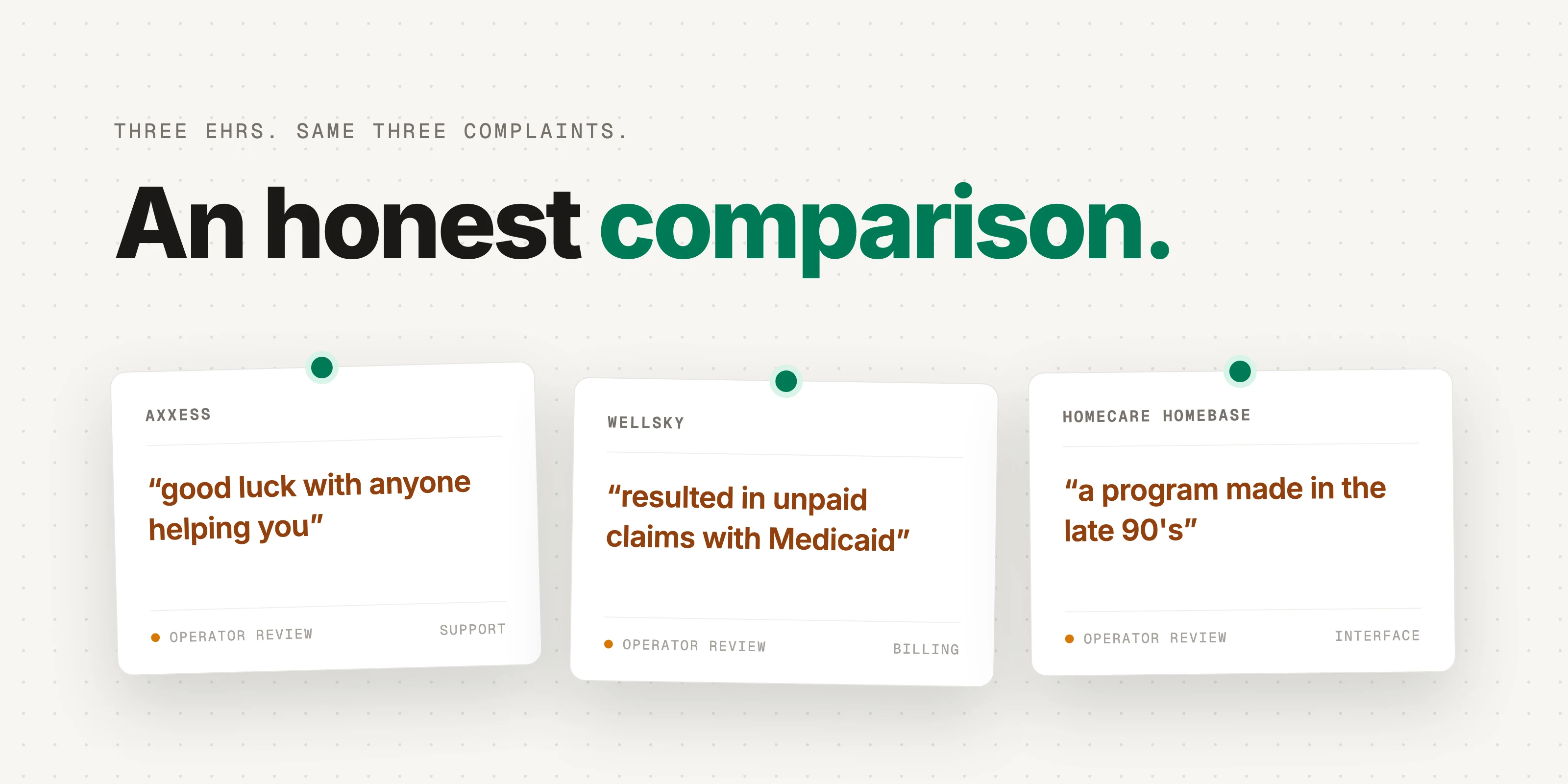
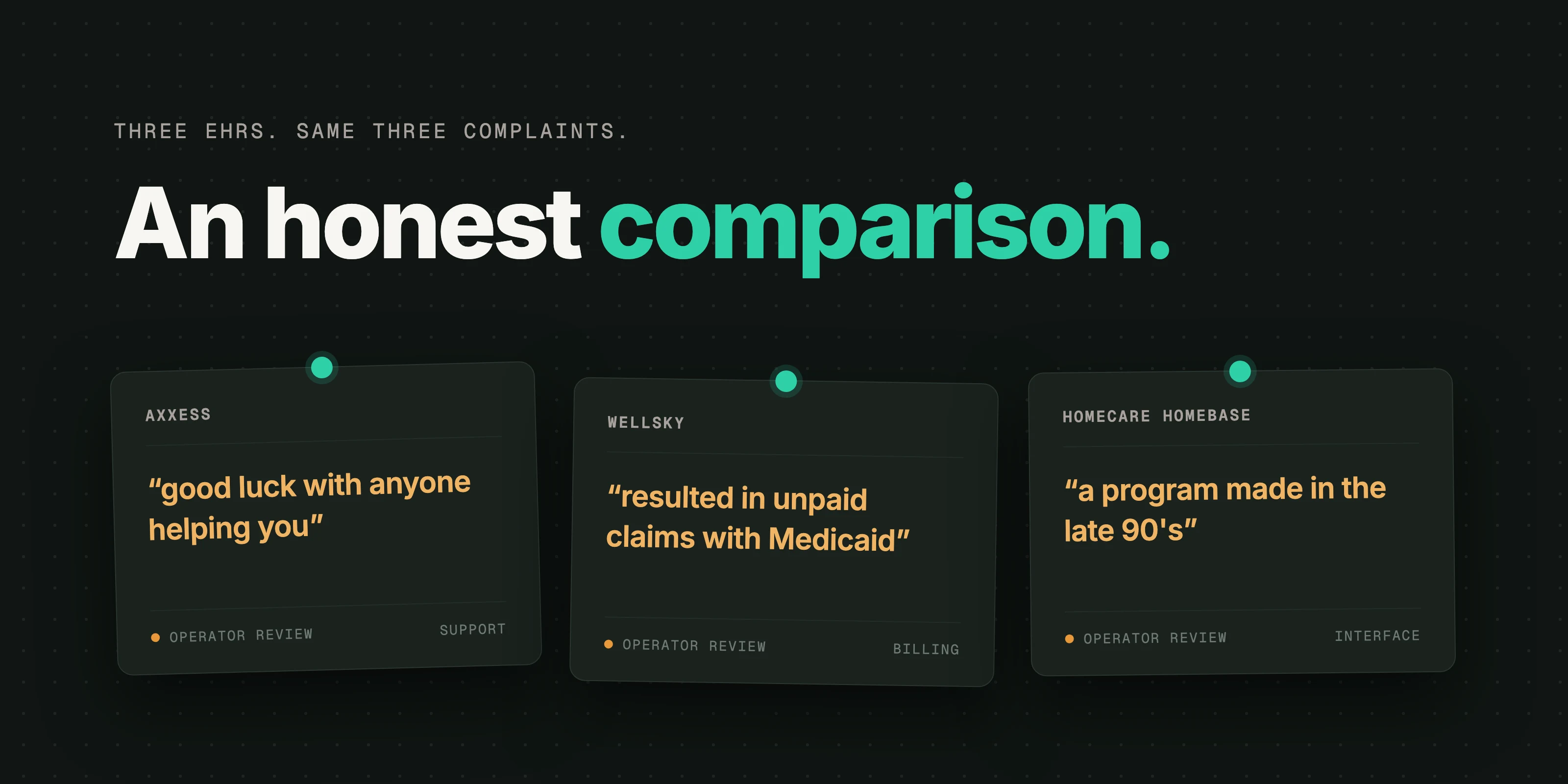
Sometimes, and it's the first thing to check. Axxess, WellSky, and Homecare Homebase all include scheduling, and if it works for you, keep it, because nothing beats software you already pay for. But operator reviews are consistently rough: reviewers on Capterra describe Homecare Homebase as requiring redundant double entry with an interface "as though they were using a program made in the late 90's," and reviewers on G2 report Axxess instability and visits that get lost when unassigned. The pattern under the complaints: these schedulers store the schedule. They don't watch it.
Which AI scheduling tools are worth knowing in 2026?
Four, and they aren't competing for the same problem, which is why a ranked list would be useless. Match each one against the problem you named above.
- Phoebe (home care only): AI outreach that fills open shifts by calling and texting caregivers directly. The company claims 75% of shifts filled in under 15 minutes. Strong on the coverage problem; it is not built for home health's Medicare mechanics.
- Enzo (home health only): a full AI-native EHR replacement whose scheduling turns a visit frequency into a 60-day schedule; the company claims 30 seconds from referral to clinician assigned. The catch is the first criterion above: you're buying a new EHR, not a scheduling tool.
- AlayaCare (home care): an established platform whose AI scheduler the company says cuts overtime and improves fill rates by up to 20%. (All three figures in this section are vendor claims, not independent benchmarks.)
- Cardon (us): we sit on the money-and-compliance problem, for home health, home care, and hospice. Read-only on day one, on top of the Axxess/WellSky/HCHB system you already run: every visit scored against LUPA thresholds, recert windows, and frequency orders, with the dollar amount attached. We're the right call when the schedule's silent revenue risk is the problem, and the wrong one if pure shift-filling is, which is exactly the kind of thing a 20-minute book a demo conversation sorts out fast.
Questions we'd ask any vendor, including us
- Show me a real schedule in your system. What's it telling me to do today, and why?
- What does implementation actually require from my staff in week one?
- Which of my current systems do you read from, and what do you write back?
- What happens to my data and my workflows if I leave?
The one-line buying rule
Name the problem that's costing you the most this quarter, make every vendor demo that problem on your real data, and ignore everything else on the screen. If you want to see what your own schedule is hiding, bring a week of it and we'll show you in 20 minutes: book a demo.
Keep reading
SchedulingAugust 14, 2026
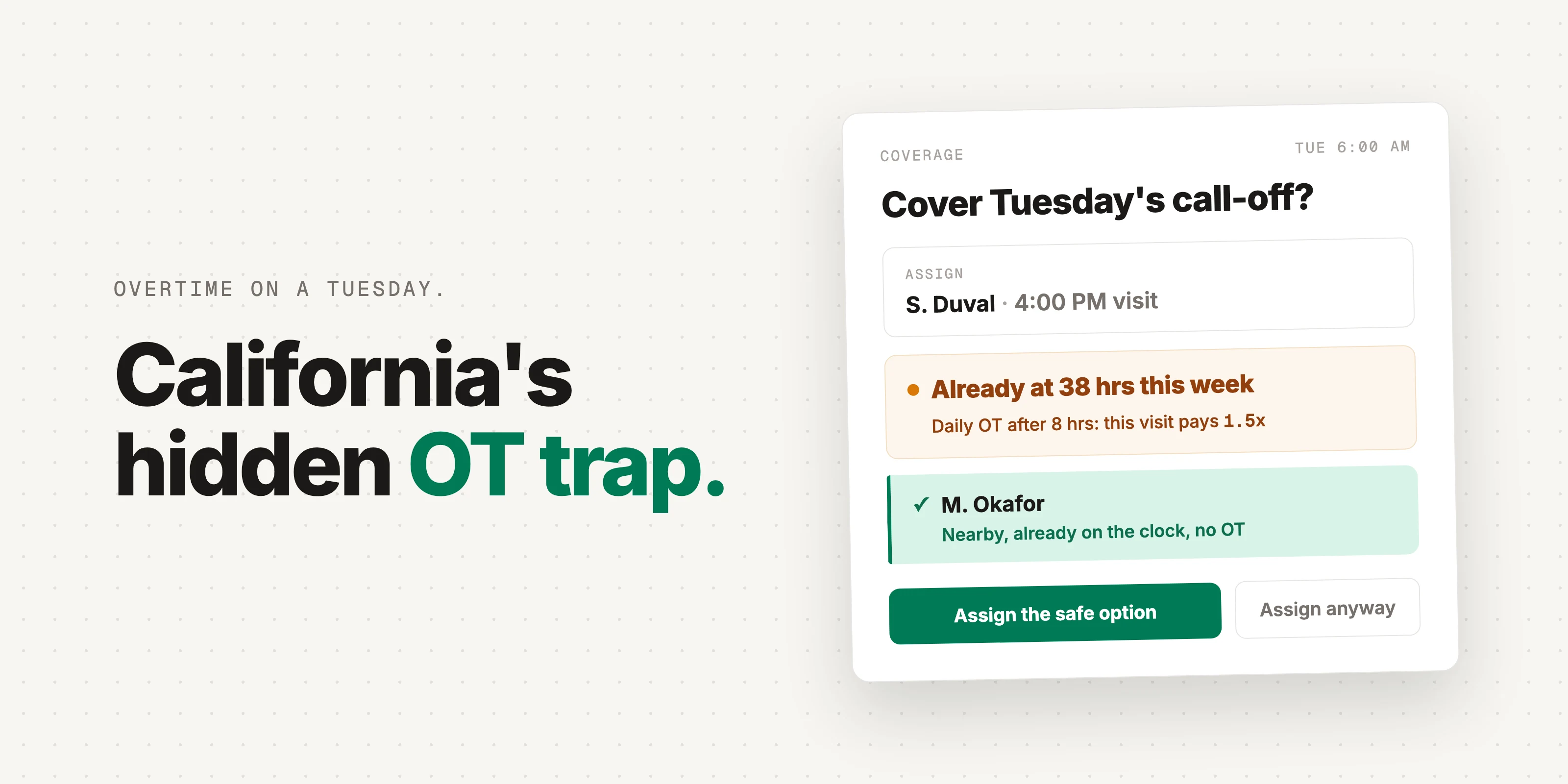
The California Overtime Trap: How Scheduling Blind Spots Quietly Eat Your Margin
In California, a caregiver can hit overtime on a Tuesday. Most agencies don't see it until payroll, when it's already money gone.
SchedulingAugust 7, 2026
Axxess vs WellSky vs Homecare Homebase: An Honest Comparison for Agency Owners
Axxess, WellSky, and Homecare Homebase run most of home health between them. Here's an honest read on where each wins, where operators say they hurt, and what their AI actually does.


SchedulingAugust 5, 2026
Home Health Scheduling Is Broken. Here's What Good Looks Like.
Good scheduling in home health isn't about drive time. It's about catching the money and compliance risk hiding in the visit counts.